
The SNCF Senior Advantage card provides access to discounts on TGV INOUI and Intercités journeys. Its digital format allows users to present a QR code on their smartphone during checks, eliminating the need for a plastic card. Several platforms coexist for this operation, with processes and prerequisites that differ depending on the initial purchase channel of the card.
QR code, PDF, or plastic card: how each format affects checks
SNCF distinguishes three card formats, but their practical implications at the time of checks are not the same. The table below summarizes the concrete differences.
| Format | Medium | Accessible offline | Accepted at check | Required process |
|---|---|---|---|---|
| Plastic card | Physical medium | Yes | Yes | None |
| PDF (digital format) | Smartphone or paper printout | Yes (if downloaded) | Yes | Download the attachment from the confirmation email |
| Digital QR code | Smartphone (My TGV INOUI space or SNCF Connect) | Yes (if opened before the journey) | Yes | Link to account and activation |
The PDF received by email after purchase is already a usable digital format. In contrast, the digital format generates a QR code linked to the account, which can be accessed directly in the app without searching for an old email.
For those who want to know how to digitize their SNCF Senior Advantage card, the distinction between these two digital formats determines the procedure to follow.
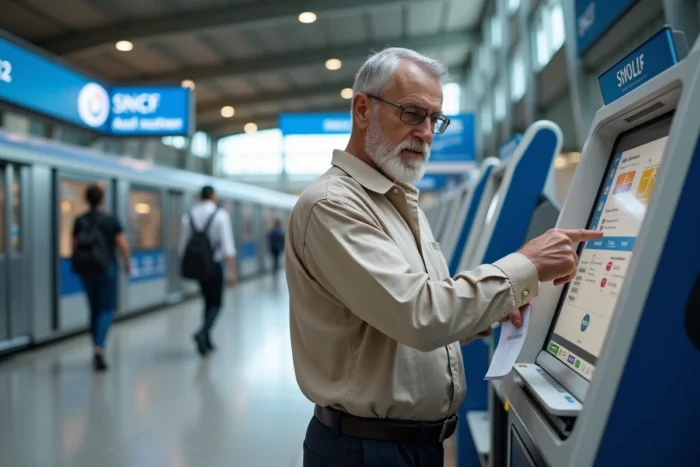
Senior Advantage card purchased online or at the counter: two distinct digitization processes
The purchase channel determines whether the card is already digitized or not. This is a point that many travelers discover afterward.
Purchase made on SNCF Connect or the app
The card automatically appears in the “My cards and subscriptions” section of the SNCF Connect account. The QR code is already available. The only necessary verification is to open this section, confirm that the card number and validity date are displayed, and then test the QR code display.
No manual entry is required. If the card does not appear despite an online purchase, the issue usually arises from a duplicate account created with a different email address.
Purchase made at the station or counter
Cards purchased at the counter are not automatically linked to the online account. The procedure goes through My TGV INOUI space:
- Log in to My TGV INOUI space (accessible from the SNCF Voyageurs website or the TGV INOUI app)
- Access the section dedicated to discount cards
- Manually enter the number on the plastic card to initiate the linking process
- Check for the appearance of the QR code in the personal space after validation
This manual entry step is the main source of errors. A wrongly entered number prevents linking without an explicit error message in some cases. It is better to carefully copy the number, checking each digit.
Senior discount not applied during booking: the most common cause
A traveler over 60 who books a ticket on SNCF Connect without a Senior Advantage card linked to their account is offered the standard fare. The system does not base the discount on age but solely on the presence of the card in the profile.
This operation regularly surprises users who have a valid card but have never completed the digital linking. The card may exist in plastic format, be valid, and have no effect on the price displayed online.
To verify that the linking works, simply initiate a journey search on SNCF Connect after associating the card. If the mention “Senior Advantage Fare” appears in the results, the link between the card and the account is active.
Common technical issues when digitizing the SNCF Senior card
Several situations can block or complicate the digitization process. Identifying them in advance prevents being left without a valid card on the day of departure.
- Duplicate account: two accounts created with different email addresses. The card is linked to one, and reservations are made from the other. Result: no discount applied and QR code not found
- Outdated app: older versions of SNCF Connect or TGV INOUI do not always display the “My cards and subscriptions” section correctly
- Expired card without notification: digitization does not extend validity. If the card expires, the QR code becomes inactive without any specific alert
- Confusion between SNCF Connect and My TGV INOUI space: these two platforms allow digitization, but the processes differ. A card linked on one may not appear on the other if the accounts are not synchronized
The most critical point remains account synchronization. Merging your SNCF accounts before any attempt at digitization avoids most of the issues reported by travelers.

Day of the check with a digitized Senior card: what to prepare
The inspector scans the QR code displayed on the smartphone. The screen brightness must be sufficient for reading. In case of low battery or a cracked screen, the scan may fail.
Opening the QR code before boarding the train ensures it is accessible even if the network connection disappears during the journey. The QR code remains viewable offline once loaded in the app.
Keeping the PDF of the card downloaded locally on the phone serves as a backup solution. As a last resort, the card number linked to an ID allows the inspector to manually verify the validity of the ticket.
The digitization of the Senior Advantage card relies on correct linking to the right SNCF account. Travelers who purchased their card online generally have nothing to do. Those holding a physical card bought at the counter must go through manual entry, carefully checking the number. In both cases, testing the QR code display before the first journey remains the most reliable precaution.