The Chromecast as we knew it for a decade has not been sold by Google since 2024. The dongles already in circulation continue to function and still receive security patches, but the catalog of new accessories has shifted to the Google TV Streamer 4K. This transition changes the way to stream a movie on your television, depending on whether you own an old model or the new box.
Casting a movie from an old Chromecast: what still works in 2026
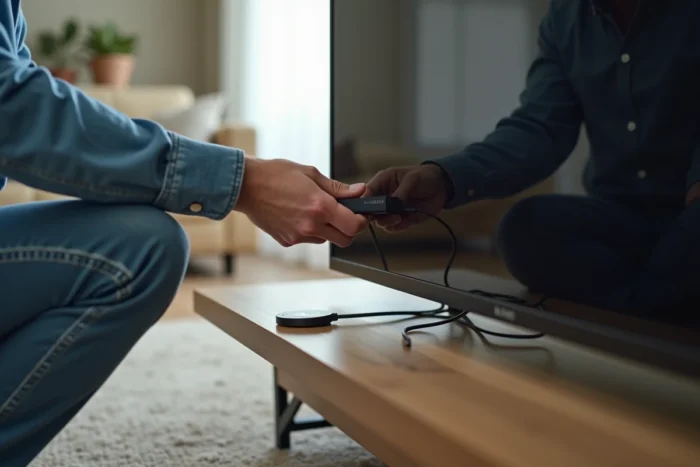
The second and third generation Chromecasts, as well as the Chromecast with Google TV, remain operational. The principle hasn’t changed: the phone or computer sends a stream to the dongle plugged into the HDMI port, and it plays the video independently.
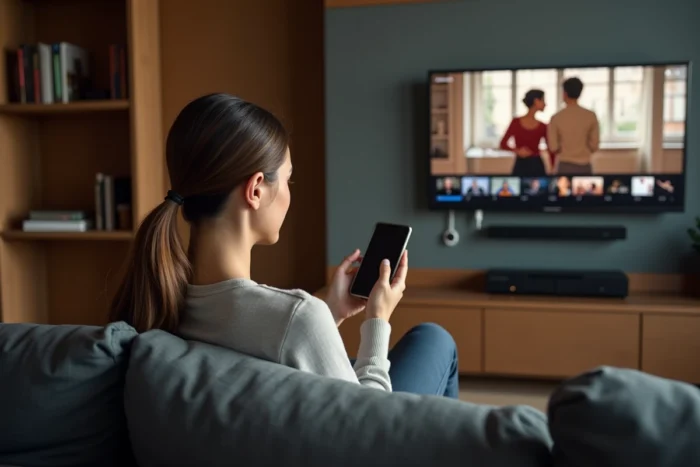
From an Android or iOS smartphone, you just need to open a compatible app (Netflix, Disney+, YouTube, myCanal, among others) and tap the Cast icon. The Chromecast and the phone must share the same Wi-Fi network. The procedure for watching a movie in streaming on Chromecast remains the same across the vast majority of video-on-demand services.
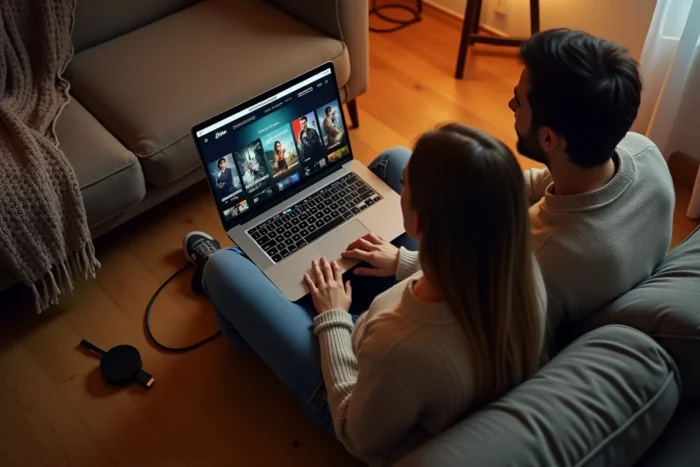
From a computer, the Chrome browser includes a casting function accessible via the context menu. You can cast an entire tab or, on certain sites, directly use the integrated Cast button in the video player. The quality is often better when the native app manages the Cast itself rather than duplicating a tab.
One point deserves attention: some manufacturers are gradually removing Cast support from their devices. Sony has announced the removal of services like Google Cast and Netflix on several dozen soundbars and connected speakers. There is no indication that the Chromecast dongle is directly affected, but the Cast ecosystem is contracting on third-party devices.
Google TV Streamer 4K: a different logic for streaming
The Google TV Streamer does not function like a classic Chromecast. It has its own Google TV interface, a remote control, and direct access to the Play Store. Streaming apps are installed directly on the box, without relying on a smartphone to start playback.
The difference is structural. With a classic Chromecast, the phone serves as a mandatory remote control to find and launch content. With the Google TV Streamer, the smartphone becomes optional: you navigate through the catalogs using the remote control, just like on any Android TV box.
Cast is still available on the Google TV Streamer. If you prefer to browse Netflix on your phone and then send the movie to the TV, that is still possible. Both uses coexist.
Thread 1.4 and home automation during viewing
A recent update to the Google TV Streamer brings Thread 1.4 compatibility. In practice, this allows you to add smart home devices via a QR code displayed directly on the television, which you scan with your smartphone. This function does not directly concern video streaming, but it transforms the box into a hub for the connected home.
For those using smart bulbs or sensors, the Google TV Streamer can share its Thread network identifiers to integrate new devices without complex manipulation. You can control the living room lighting without leaving the movie.
Streaming app compatibility with Cast in France
Not all streaming platforms handle Cast in the same way. Here are the behaviors observed on the main services available in France:
- Netflix, YouTube, Disney+, and Amazon Prime Video integrate the Cast button in their Android and iOS apps. Playback starts directly on the Chromecast or Google TV Streamer.
- myCanal (Canal+) and the France TV app offer Cast, but stability depends on the version of the app and the model of Chromecast. Older generations sometimes experience interruptions on HD streams.
- The SFR TV offerings and some French operator apps limit or do not support casting to an external Chromecast at all, as they favor their own decoder.
The determining factor remains the Wi-Fi network. A Chromecast connected on 5 GHz with good coverage in the room will avoid stuttering. If the router is far away, a repeater or switching to Wi-Fi 6 on the Google TV Streamer can solve the problem.
Local video files: options for casting without a streaming app
The Chromecast was not originally designed to play locally stored files. Discussions on specialized forums frequently return to this point. Several solutions exist:
- VLC for Android allows you to cast a video file to a Chromecast. Codec compatibility varies, and HEVC (H.265) files can sometimes pose problems on older models.
- The BubbleUPnP app, often mentioned on Reddit, supports on-the-fly transcoding from an Android smartphone to the Chromecast.
- From a computer, dragging a video file into a Chrome tab and then using the “Cast” function works, but the quality is inferior compared to native playback.
On the Google TV Streamer, installing Plex or Kodi directly on the box simplifies the playback of local files hosted on a NAS or network hard drive. Transcoding is done server-side, which relieves the device.
Choosing between existing Chromecast and Google TV Streamer for video streaming
If your Chromecast is working properly and you are comfortable with casting from your phone, there is no urgent technical reason to change. Security updates continue for now.
On the other hand, the lack of new supply means that a failing Chromecast will not be replaced identically. The Google TV Streamer takes over with a different approach: standalone interface, remote control, locally installed apps, and a role as a home automation hub.
For usage centered on streaming movies, the choice depends on habit. Those who want to control everything from their phone will keep their Chromecast as long as it lasts. Those who prefer direct navigation on the television, without pulling out the smartphone, will gain comfort with the Google TV Streamer 4K.